
The Server Info page shows facts about your site and your server. This helps you find a problem, or answer questions from a developer or your host.
Go to BugTrace → Server Info. The page has seven tabs.
You can only look at this information. BugTrace does not change anything on this page.
The seven tabs #
| Tab | What it shows |
|---|---|
| WP Config | Your wp-config.php file. |
| HTACCESS | Your .htaccess file. It controls links and redirects on Apache servers. |
| PHP Info | Your PHP version and PHP settings. |
| Database | Your database name, table prefix, host, charset and a list of all tables. |
| Cookies | The cookies your own browser sends to your site. |
| Transients | Temporary data that plugins save in the database, and when it expires. |
| Cron Jobs | Tasks that WordPress runs on a schedule. |
WP Config #
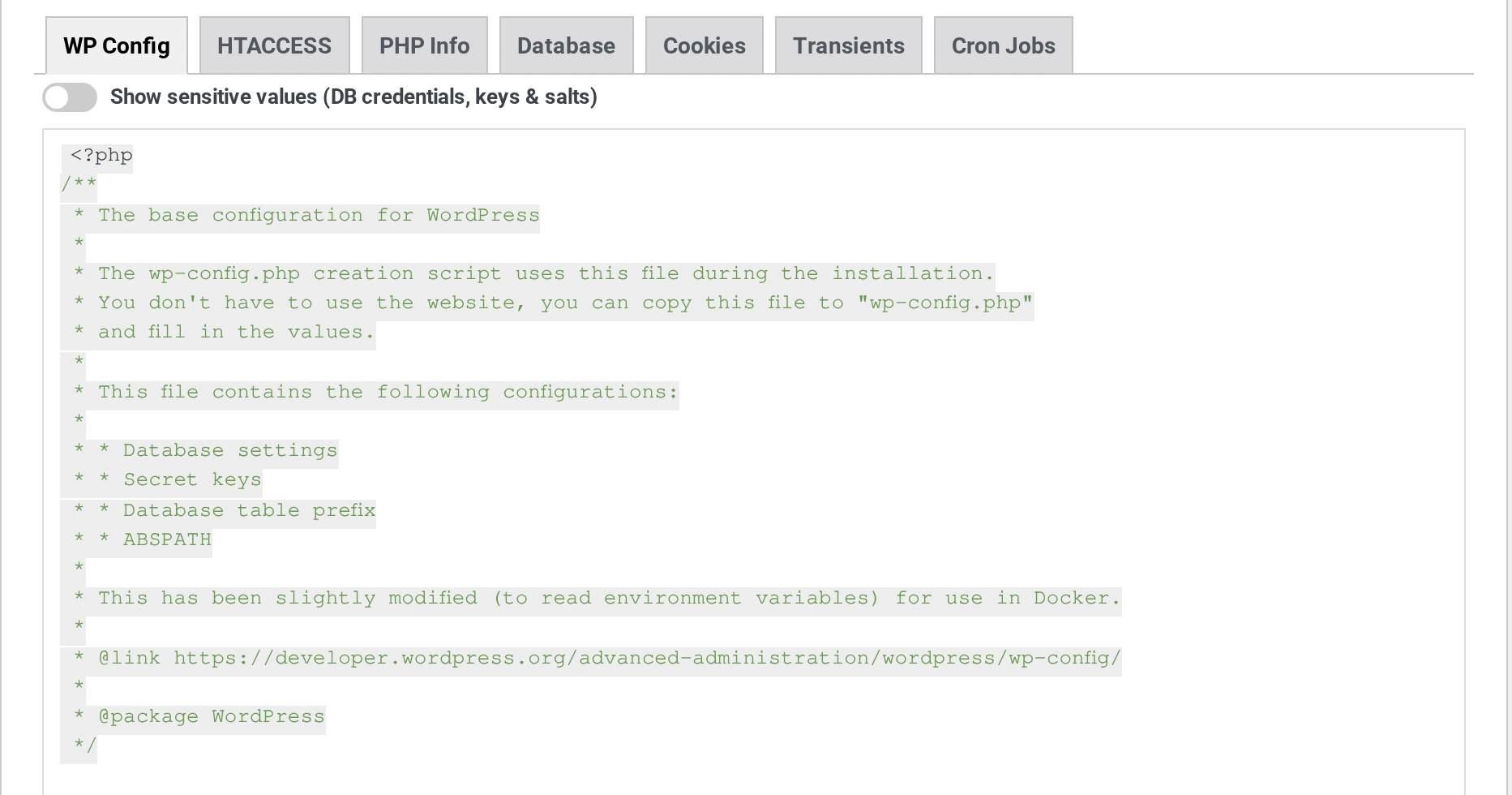
Passwords are hidden with ********. BugTrace hides the database user and password, and the keys and salts. Turn on Show sensitive values (DB credentials, keys & salts) to see them.
The database name and host are not hidden.
If the file is not there, you see wp-config.php file not found.
PHP Info #
This tab shows the full PHP information page. To find a setting, type in the box Search phpinfo()… (press Enter). For example, type memory_limit and press Enter.
Database #
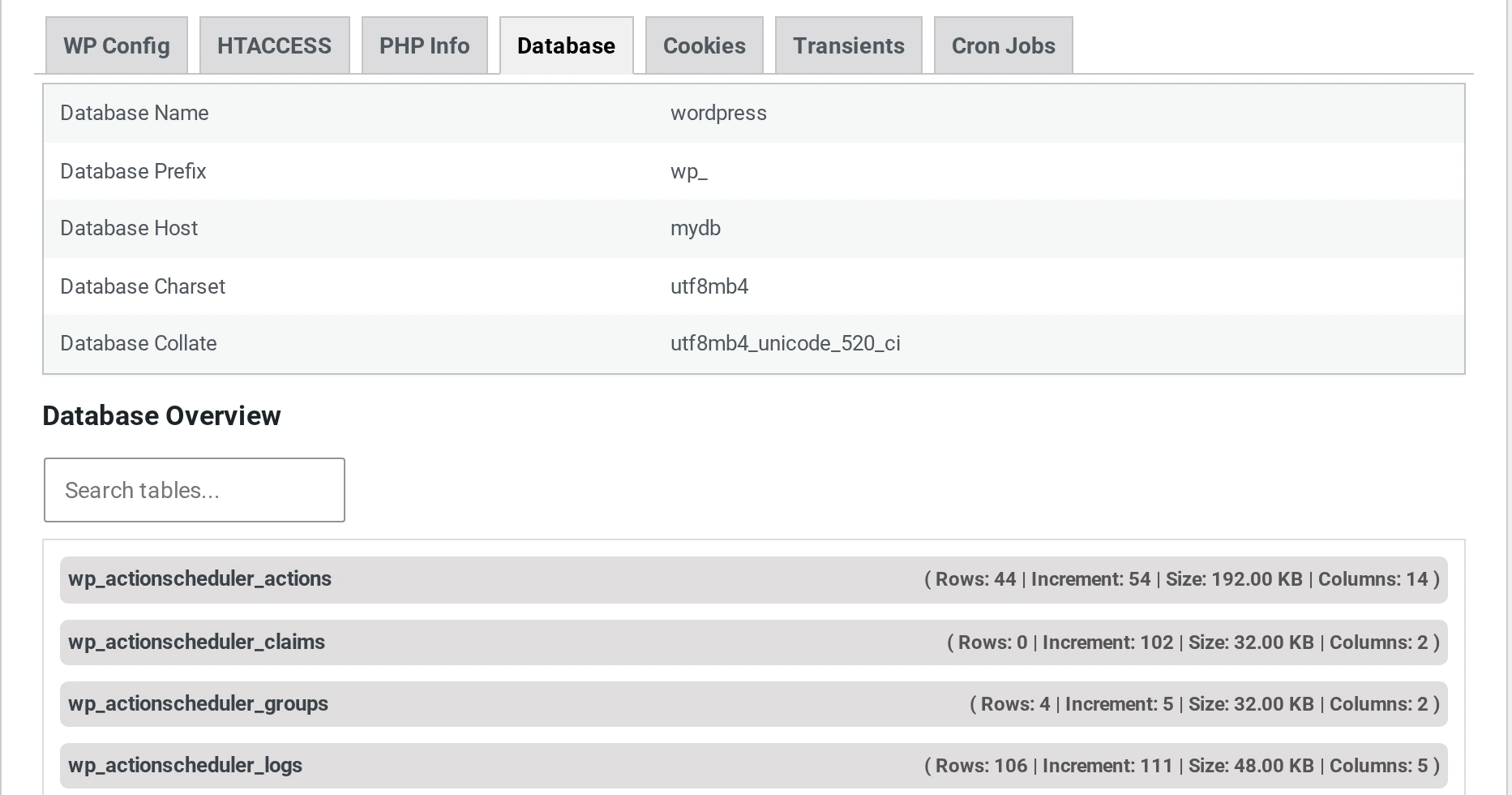
Click a table to see its columns. Use Search tables… to find a table.
On a very big database, this tab can load slowly. BugTrace counts the rows of every table.
Cookies #
This tab shows the cookies your browser sends to your site. Login cookies are hidden with ********. Turn on Show sensitive values (auth/session cookies) to see them.
Don’t share a screenshot of the Cookies tab. Some login cookies can still show, for example on sites without HTTPS. With a login cookie, someone could log in as you.
Transients #
This tab shows the name, value and expiry date of each transient. Long values have a View More link. No Expiry means the transient stays until a plugin deletes it.
Cron Jobs #
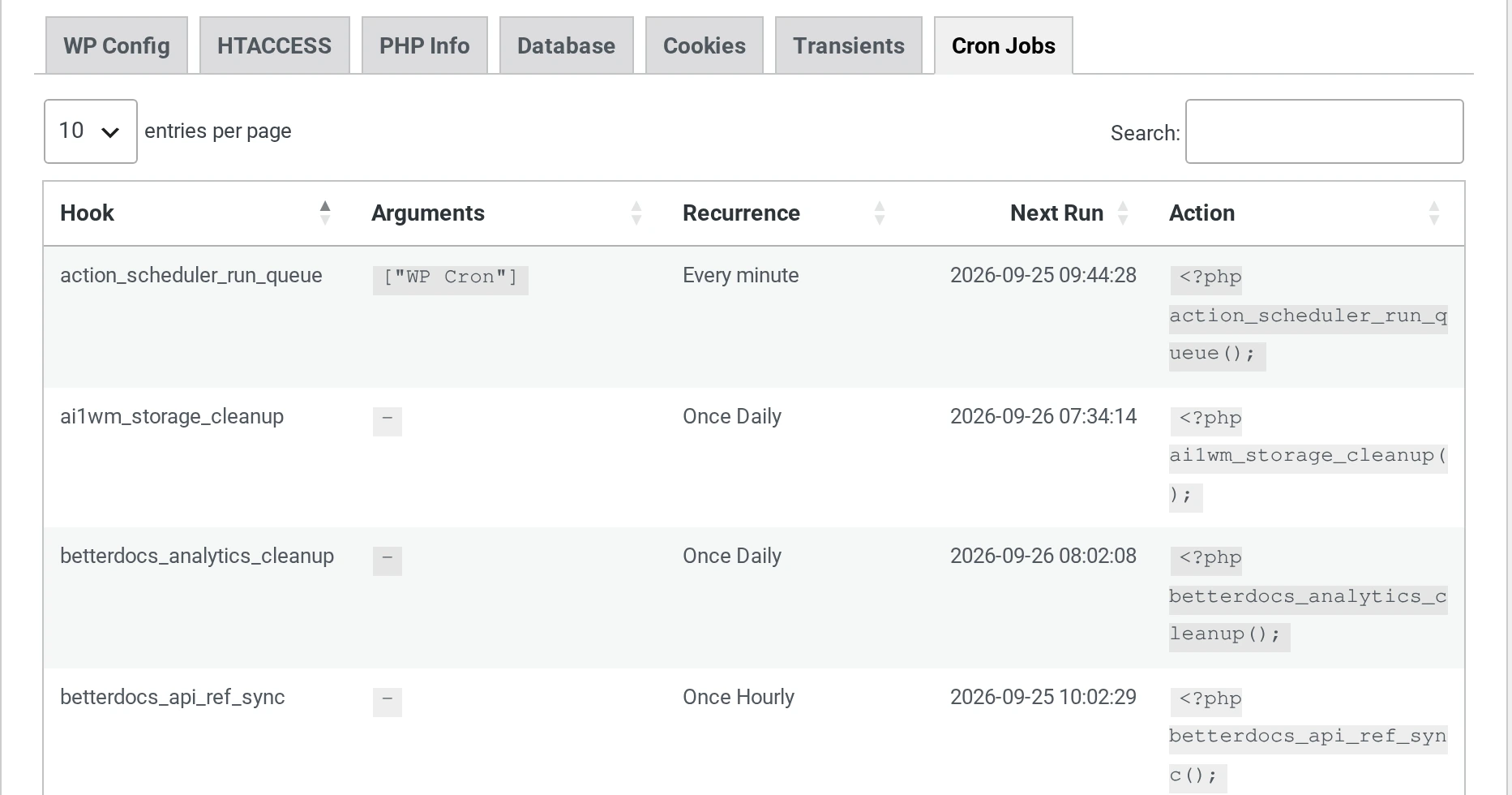
This tab shows each scheduled task, how often it runs, and when it runs next. One-time means the task runs only once.
BugTrace also checks if WP-Cron works on your site. You may see one of these messages:
| Message | What it means |
|---|---|
| WP-Cron is disabled via DISABLE_WP_CRON constant. | WP-Cron is turned off in wp-config.php. Your host may run cron in another way. |
| ALTERNATE_WP_CRON is enabled. Cron behavior may differ. | Your site uses another cron method. |
| WP-Cron request failed: … | Your site could not start WP-Cron. Scheduled tasks may not run. Ask your host. |
| Warning: PHP default timezone is not set to UTC. This might affect WP-Cron schedules. | A PHP setting may change when tasks run. |