
BugTrace changes your wp-config.php file to turn debug settings on or off. If WordPress cannot write to this file, you see this message on the Logs and Settings pages:
Please note, wp-config.php is not writable. Please change file permissions.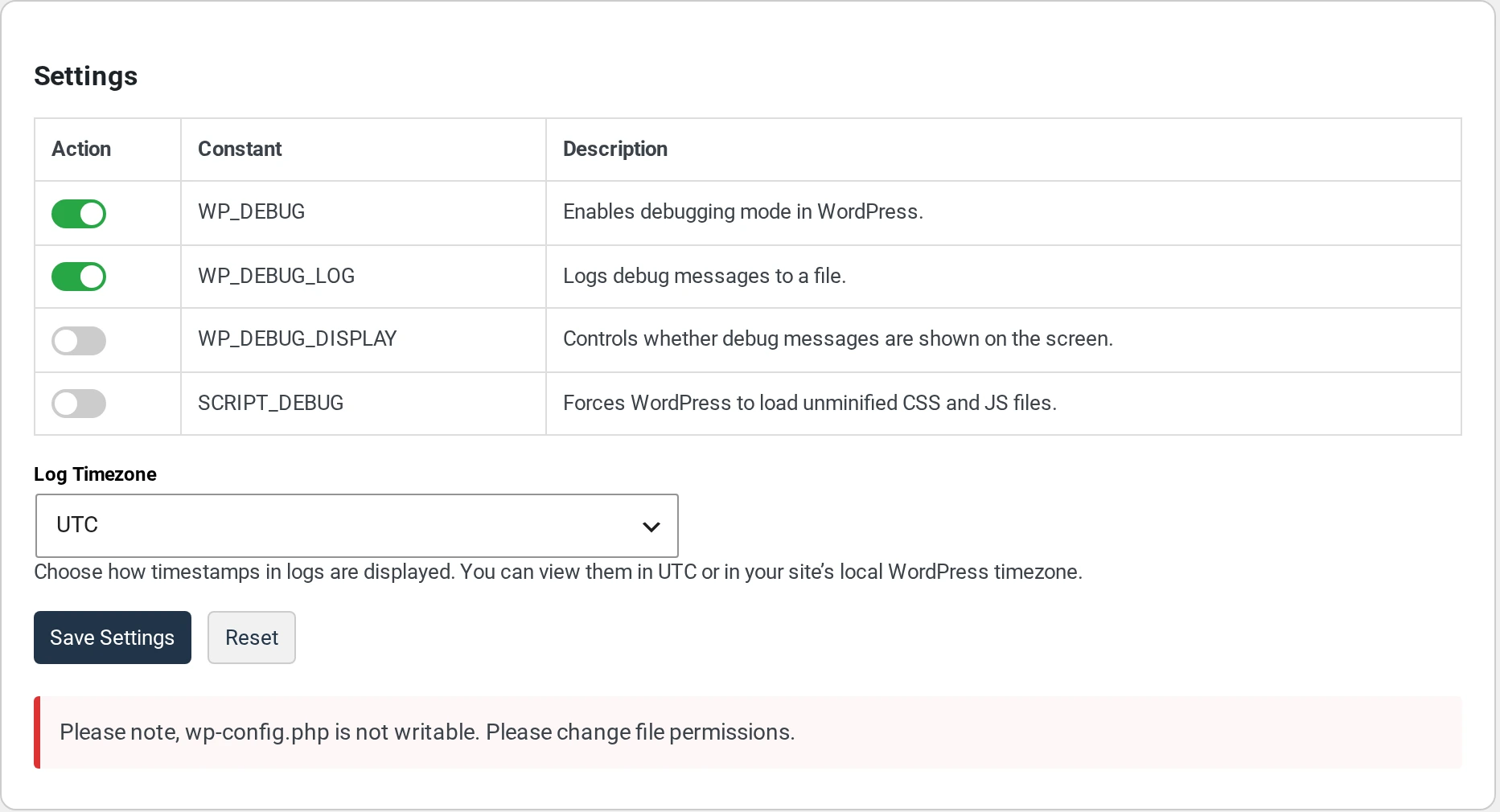
What this means #
- BugTrace cannot save any setting. This includes the Log Timezone.
- When you click Save Settings, nothing happens. You do not see an error.
- You can still read your log on the Logs page.
How to fix it #
The file permissions of wp-config.php do not let your website change the file.
- Log in to your hosting account.
- Open the File Manager. Or connect with FTP.
- Find
wp-config.phpin the main folder of your WordPress site. - Change the permissions.
644works on most hosts. - Go back to
BugTrace → Settings. The message is gone. Save your settings again.
If you are not sure how to do this, ask your web host. Tell them: “Please make wp-config.php writable for WordPress.”
Some hosts make wp-config.php read-only on purpose, for security. After you change your debug settings, you can ask your host to make it read-only again. BugTrace cannot save settings while the file is read-only.
If your wp-config.php is in another folder #
WordPress allows you to move wp-config.php one folder above your WordPress folder. BugTrace only looks in the WordPress folder. So it shows the message, even if the file is writable.
In this case, set the debug lines by hand. Open wp-config.php and add or change these lines. Put them above the line /* That's all, stop editing! */.
define( 'WP_DEBUG', true );
define( 'WP_DEBUG_LOG', true );
define( 'WP_DEBUG_DISPLAY', false );
BugTrace can still show your log on the Logs page.