
BugTrace lets you turn the WordPress debug settings on or off with a switch. You do not need to edit wp-config.php yourself.
Change a setting #
- Go to
BugTrace → Settings. - Turn a switch on or off.
- Click Save Settings.
- You see the message Settings saved successfully!
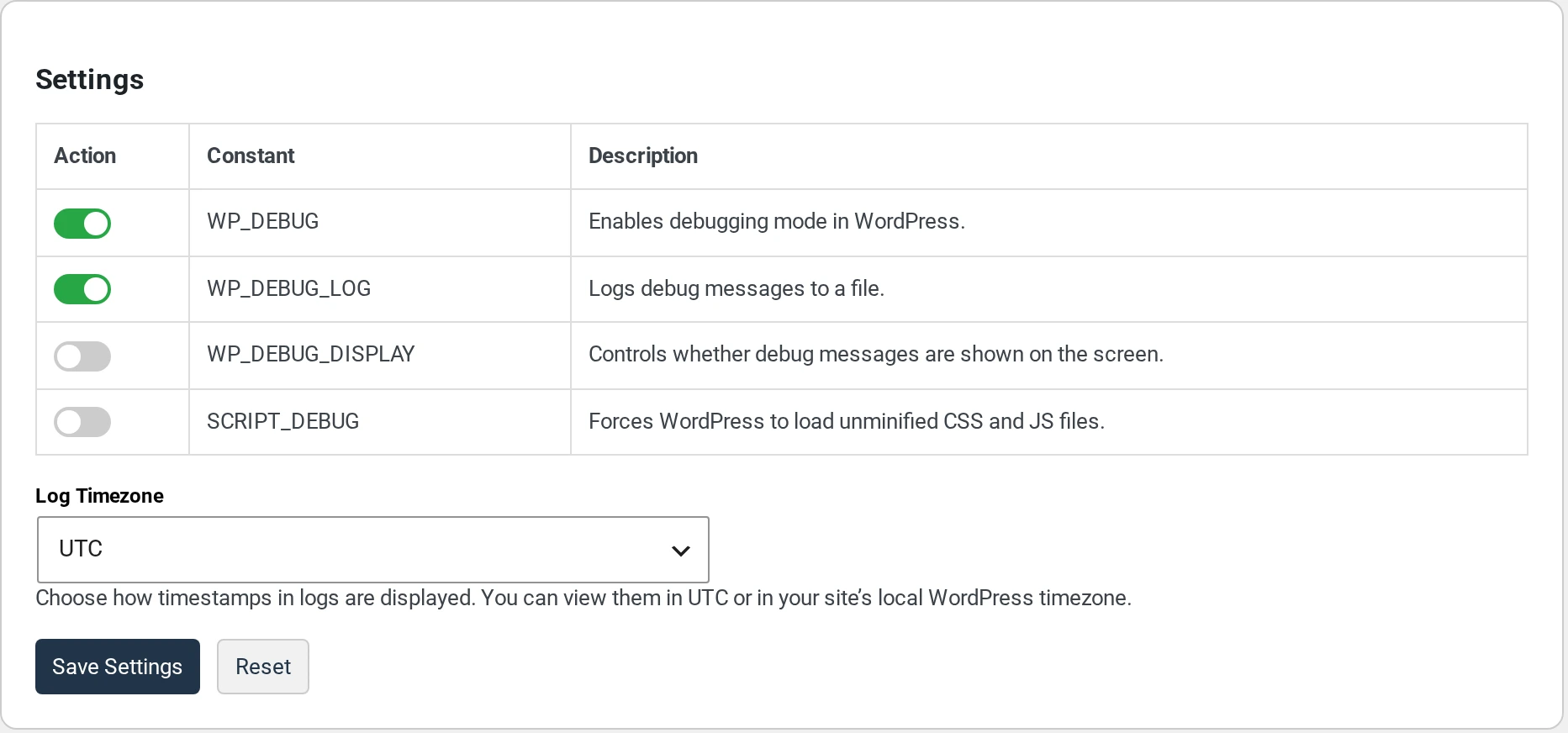
When you save, BugTrace writes the four settings into your wp-config.php file. First, it saves a copy of the file called wp-config-backup.php. There is only one copy. Each save replaces it.
What each setting does #
| Setting | What it does | When to turn it on |
|---|---|---|
WP_DEBUG | Turns on debug mode in WordPress. | When you look for a problem. |
WP_DEBUG_LOG | Saves errors to a log file. BugTrace reads this file. | Together with WP_DEBUG. |
WP_DEBUG_DISPLAY | Shows errors on your pages. | Only on a test site. |
SCRIPT_DEBUG | Loads the full (not minified) CSS and JavaScript files of WordPress. | Only when a developer asks you. |
WP_DEBUG_LOG only works when WP_DEBUG is on.
Choose the log time zone #
The Log Timezone menu changes how dates look on the Logs page:
- UTC shows the time as it is saved in the log.
- Local shows the time in your site’s time zone. You set it in
Settings → General.
Click Save Settings after you change it. The column title on the Logs page always says Error Date (UTC), even when you choose Local.
Reset the settings #
The Reset button sets everything back to the BugTrace defaults:
| Setting | After Reset |
|---|---|
WP_DEBUG | On |
WP_DEBUG_LOG | On |
WP_DEBUG_DISPLAY | Off |
SCRIPT_DEBUG | Off |
| Log Timezone | UTC |
Reset does not ask you first. It saves at once and reloads the page.
If nothing happens when you save #
If you click Save Settings and you do not see Settings saved successfully!, BugTrace could not save. It does not show an error message. The most common reason is that wp-config.php is not writable. Read Fix “wp-config.php is not writable”.
The switches show what BugTrace saved last time. If you or your host change the debug lines in wp-config.php by hand, the switches can show old values. Click Save Settings again to write the values you see.