
Sometimes you want to note something in the log that WordPress cannot see. For example: “Server moved to a new host” or “Backup restored by the host.”
Add an entry #
- Go to
User Activity → Activity Logs. - Click Add Log at the top.
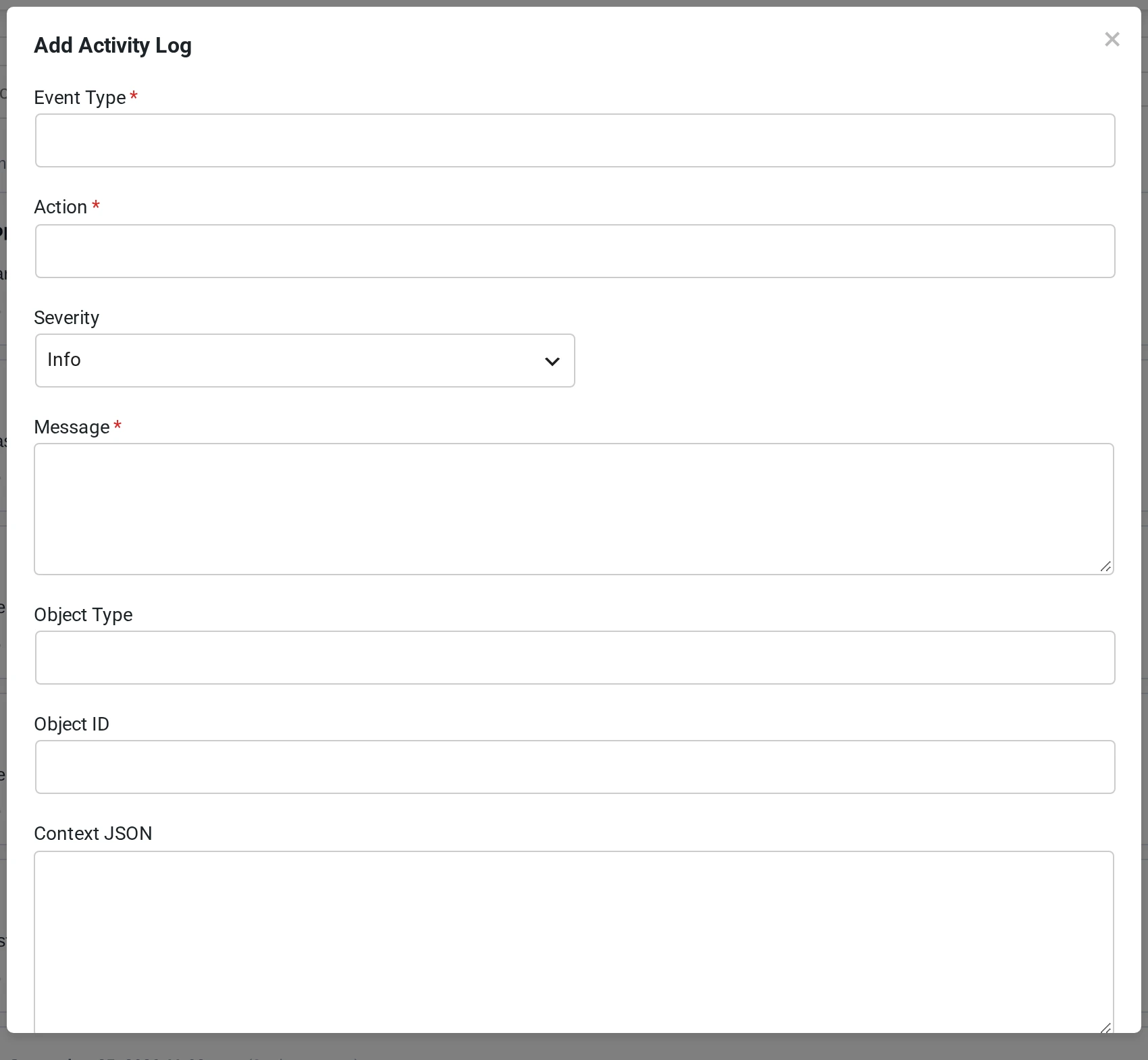
- Fill in the form:
- Event Type (required), for example
maintenance. - Action (required), for example
server_move. - Severity: Info, Warning, Error or Success.
- Message (required), for example
Site moved to the new server. - Object Type and Object ID (optional).
- Context JSON (optional): extra data in JSON format.
- Event Type (required), for example
- Click Save Log.
Create a similar entry #
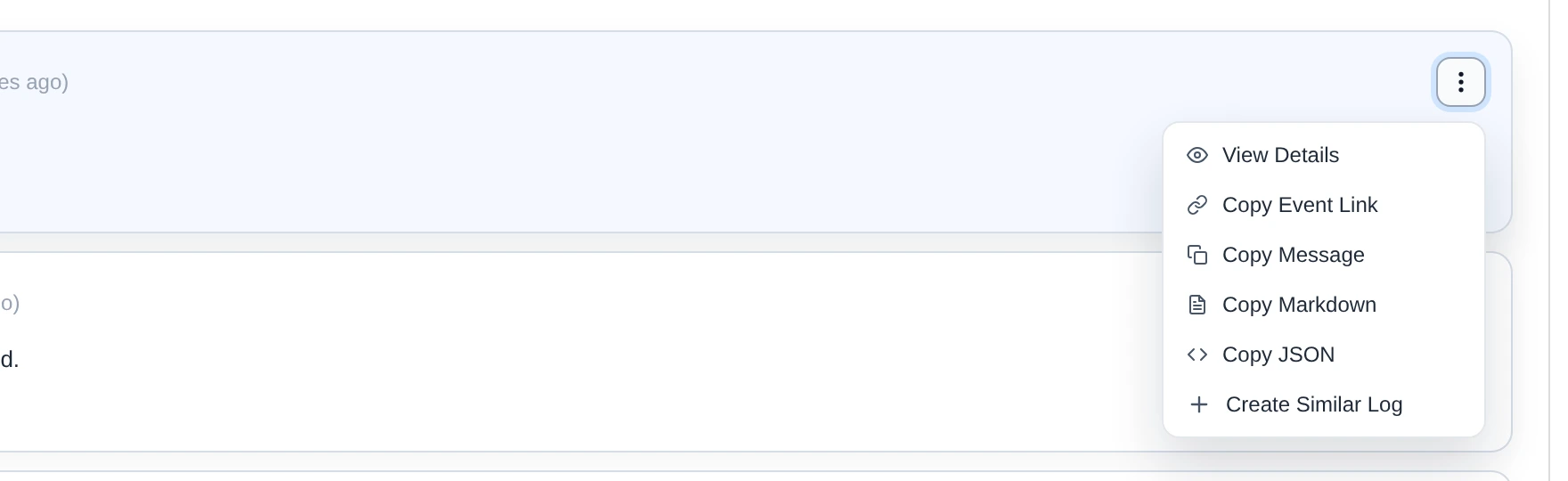
Click ⋮ on an event and choose Create Similar Log. The form opens with the details of that event already filled in.
Good to know #
- Your name is saved as the user who added the entry.
- Entries you add by hand do not send alerts.
- Your exclusion settings do not apply to these entries.
- Pastmark does not hide passwords in entries you add by hand. Do not type passwords or keys in the form.