
Go to User Activity → Settings → Data Management.
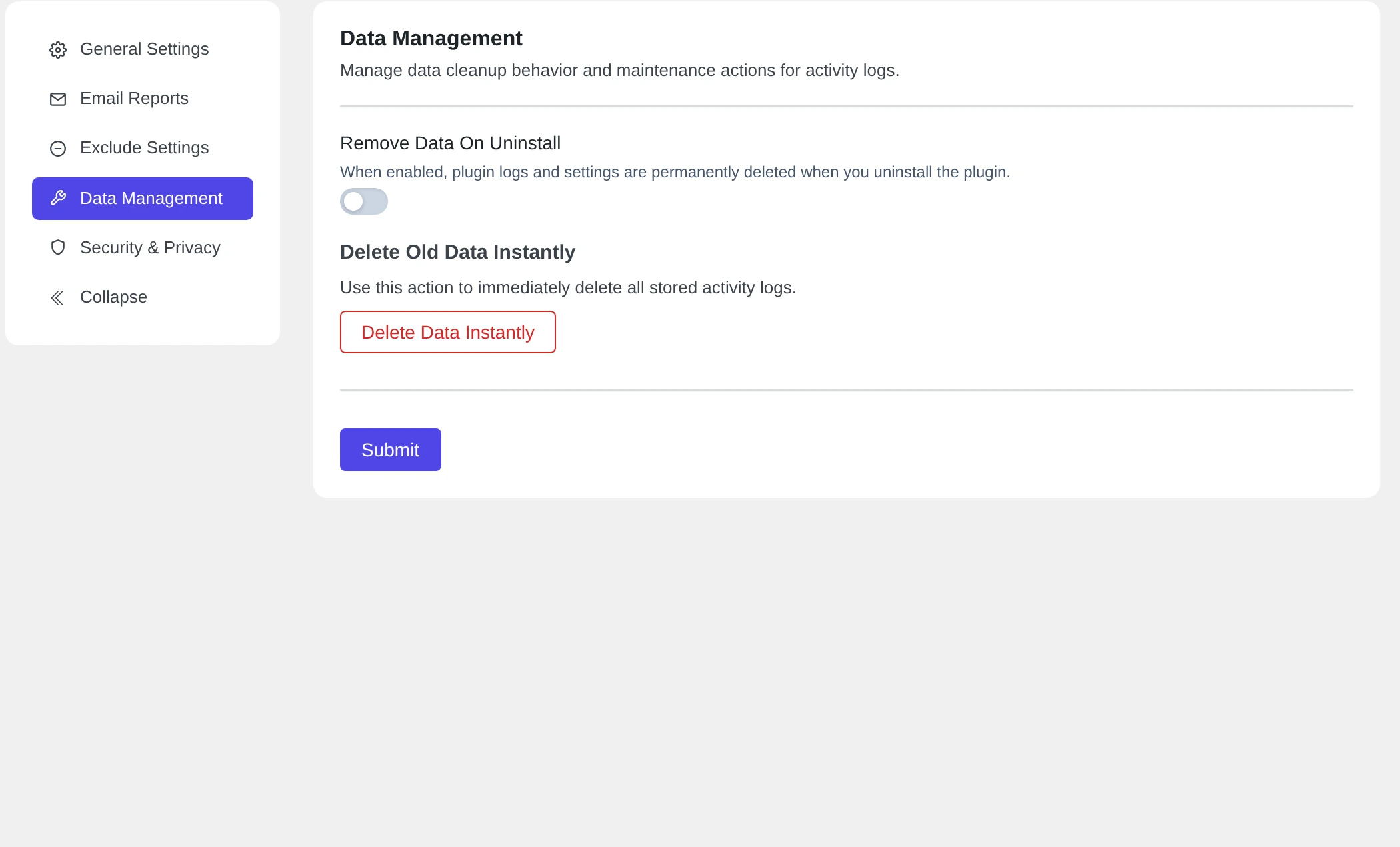
Delete all logs now #
- Click Delete Data Instantly.
- Pastmark asks: Are you sure you want to delete all activity logs instantly? This action cannot be undone.
- Click OK.
- You see a message like Deleted 158 activity log entries successfully.
Delete Data Instantly deletes all your activity logs, not only the old ones. You cannot undo it. To delete only old events, use Auto Delete Logs in General Settings. Read General settings and auto-delete.
What happens when you uninstall Pastmark #
Remove Data On Uninstall is off by default.
| Remove Data On Uninstall | When you delete the plugin |
|---|---|
| Off (default) | Your logs and settings stay in the database. If you install Pastmark again, they are still there. |
| On | Pastmark deletes its log table and its settings. |
When you only deactivate Pastmark, your logs and settings always stay. Pastmark stops recording until you activate it again.